A personalised book with photo: your child, drawn into every page
Upload one clear photo and we turn it into the illustrated hero of a personalized storybook, with the story built around a moment that matters to your family. New here? See how MakeMyStory works.
See where the story is heading before you confirm.
From photo to hero
The real photo, beside the real book
Each family agreed to share their child’s photo and book. Open one to see every page.

Rachel, 3 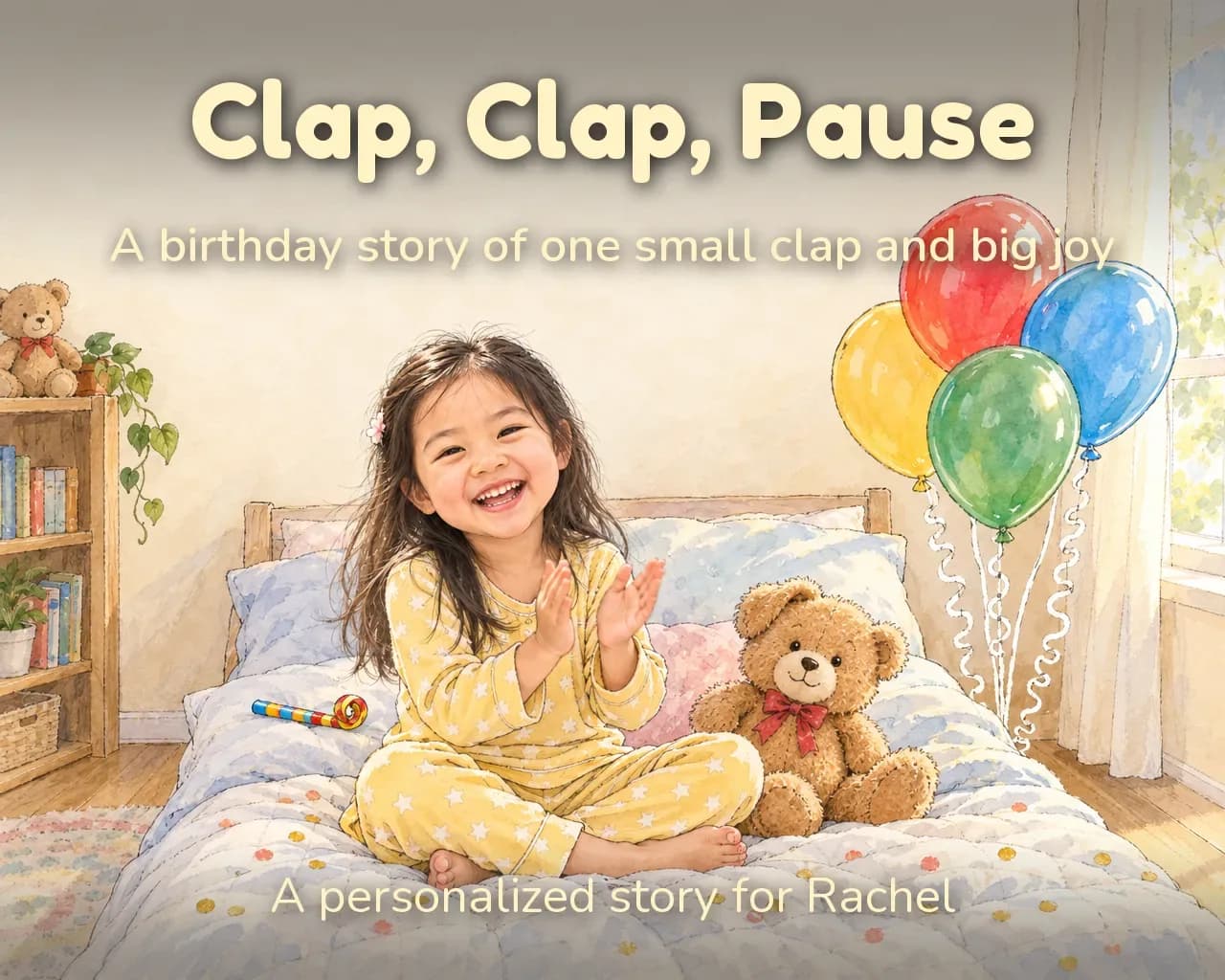
Clap, Clap, PauseExpressive Storybook InkSee how Rachel’s book was made 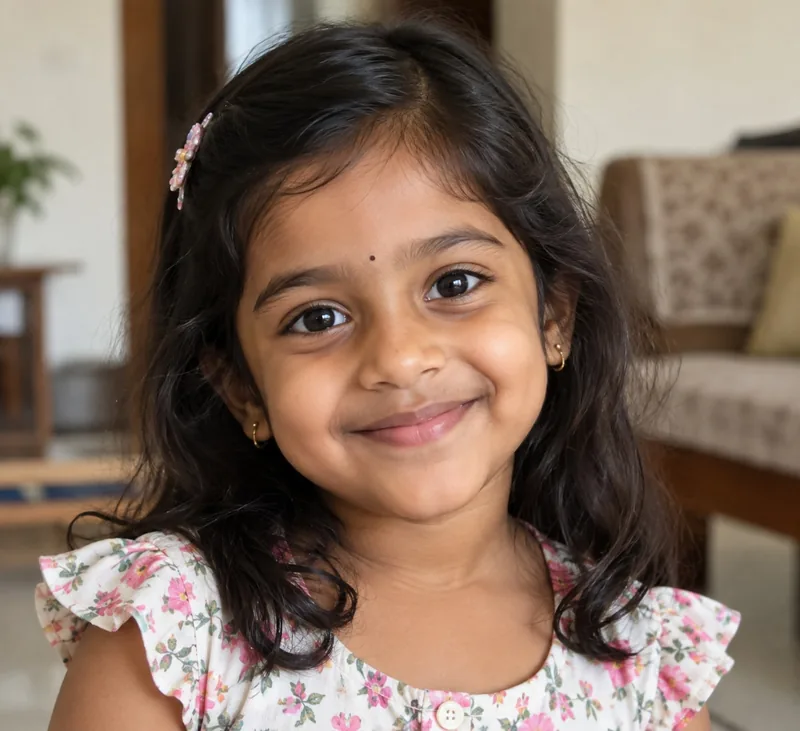
Pia, 4 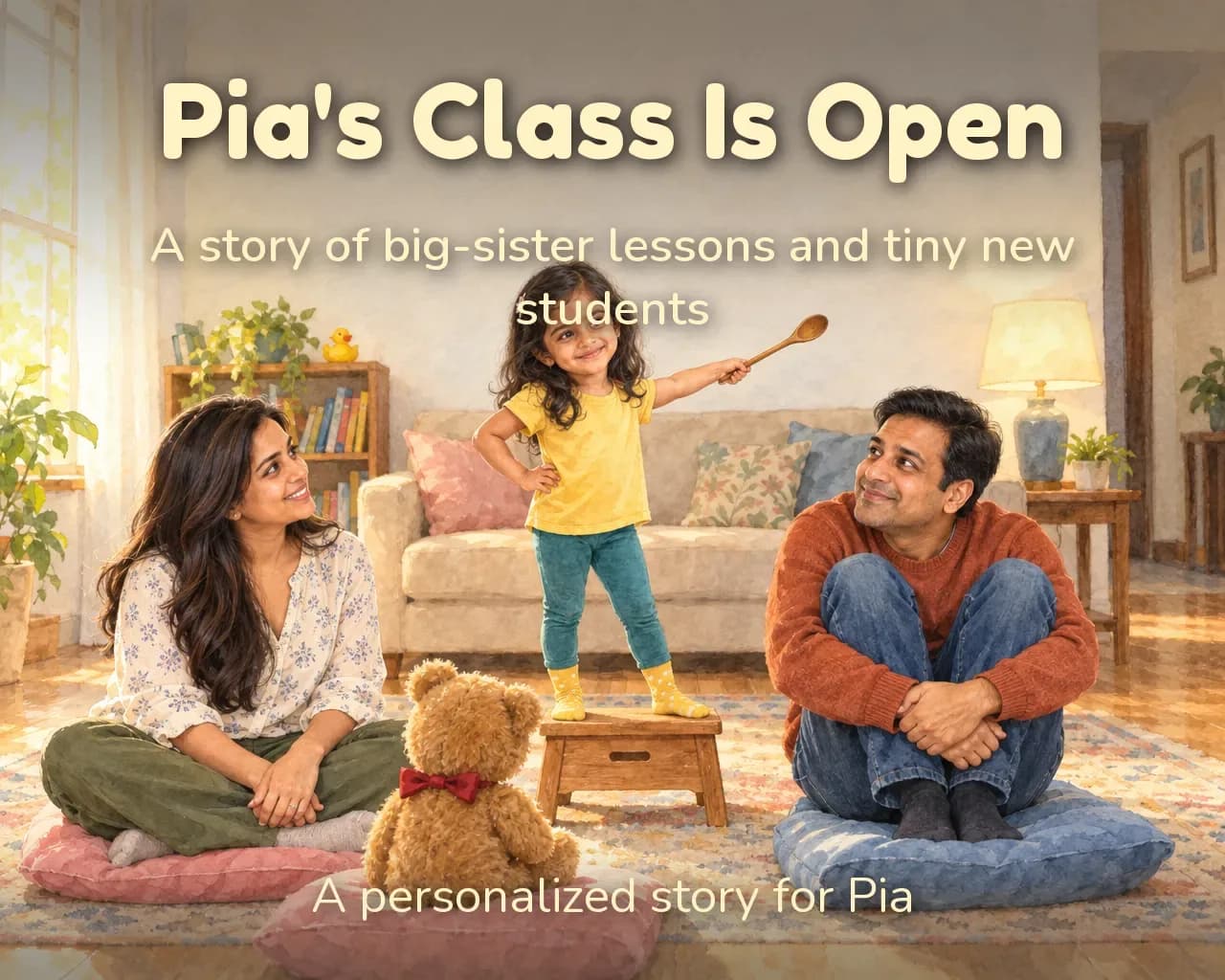
Pia's Class Is OpenGlowing WatercolorSee how Pia’s book was made 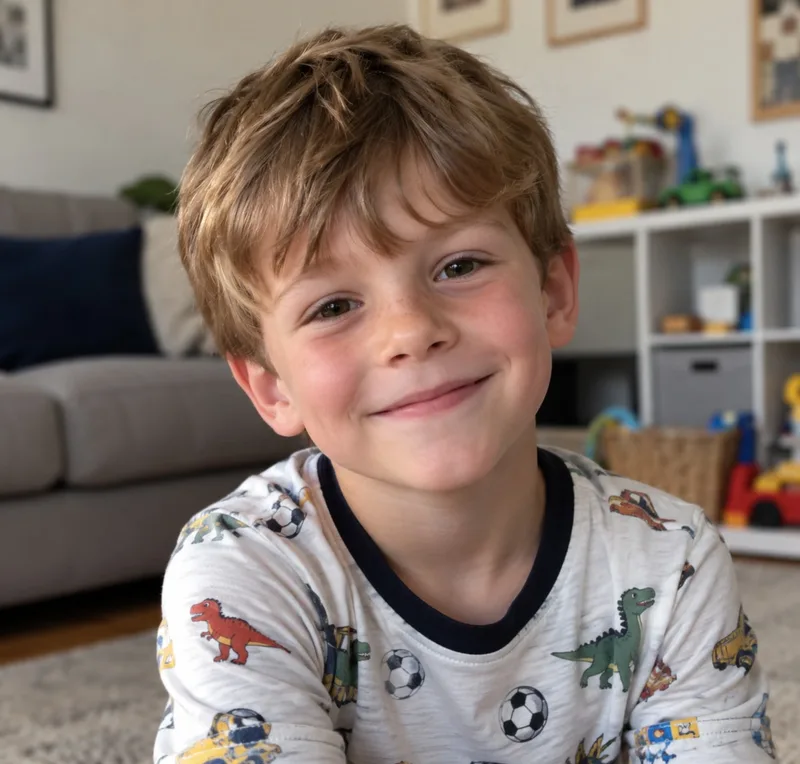
Adam, 6 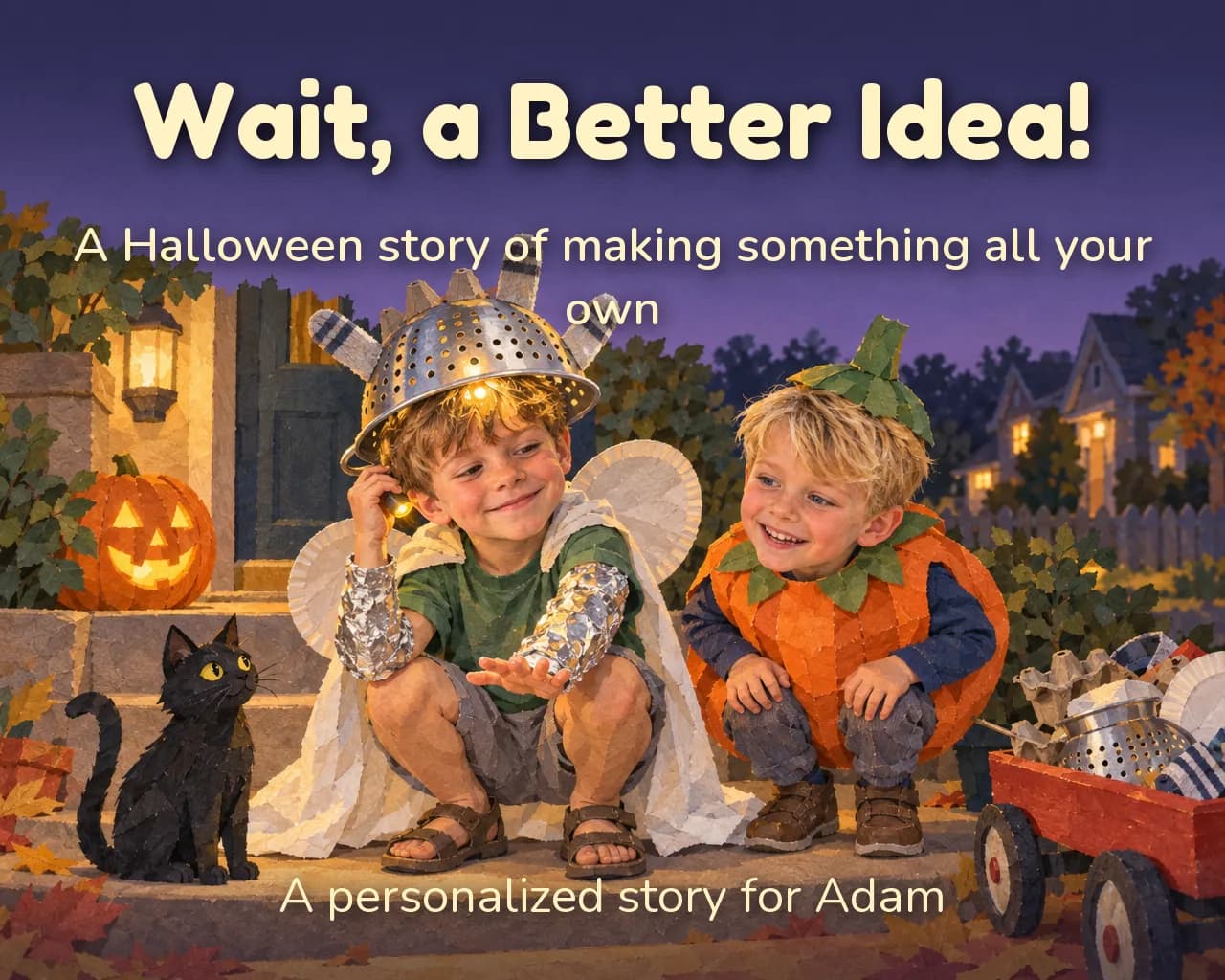
Wait, a Better Idea!Handmade Paper WorldsSee how Adam’s book was made 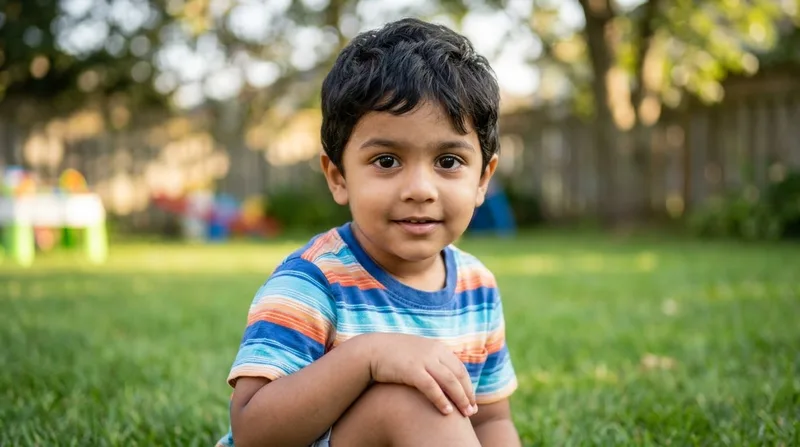
Jai, 3 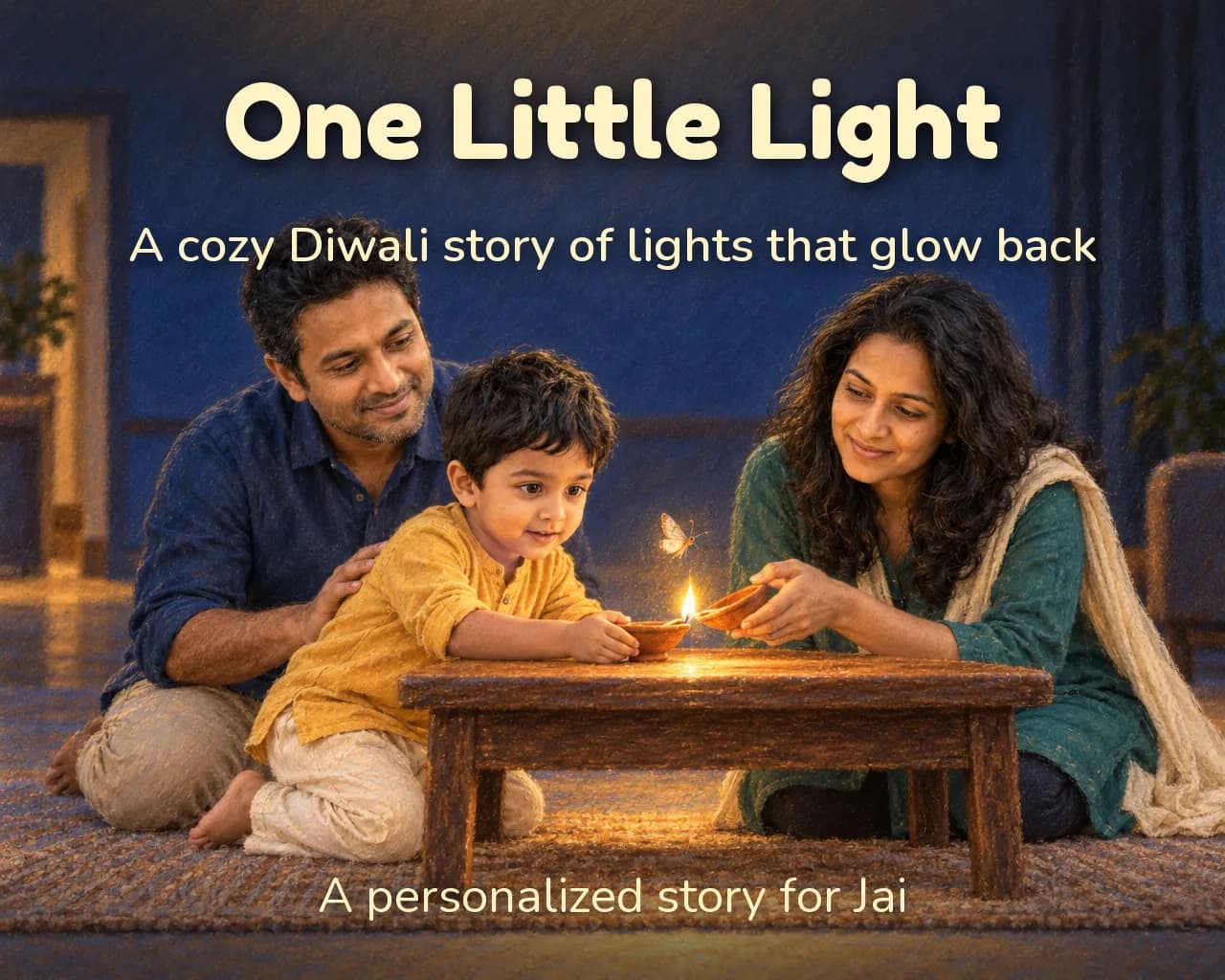
One Little LightPastel PortraitSee how Jai’s book was made 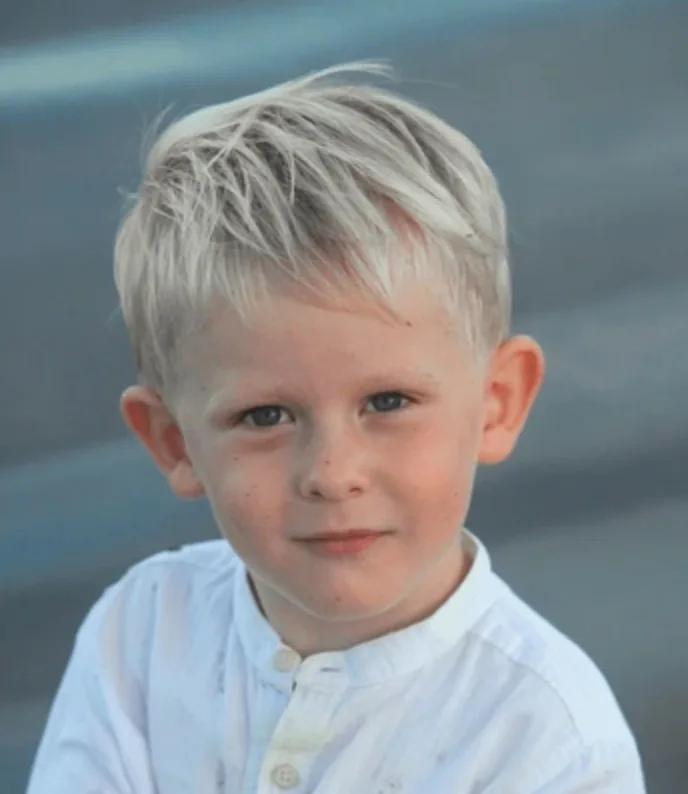
Aaron, 4 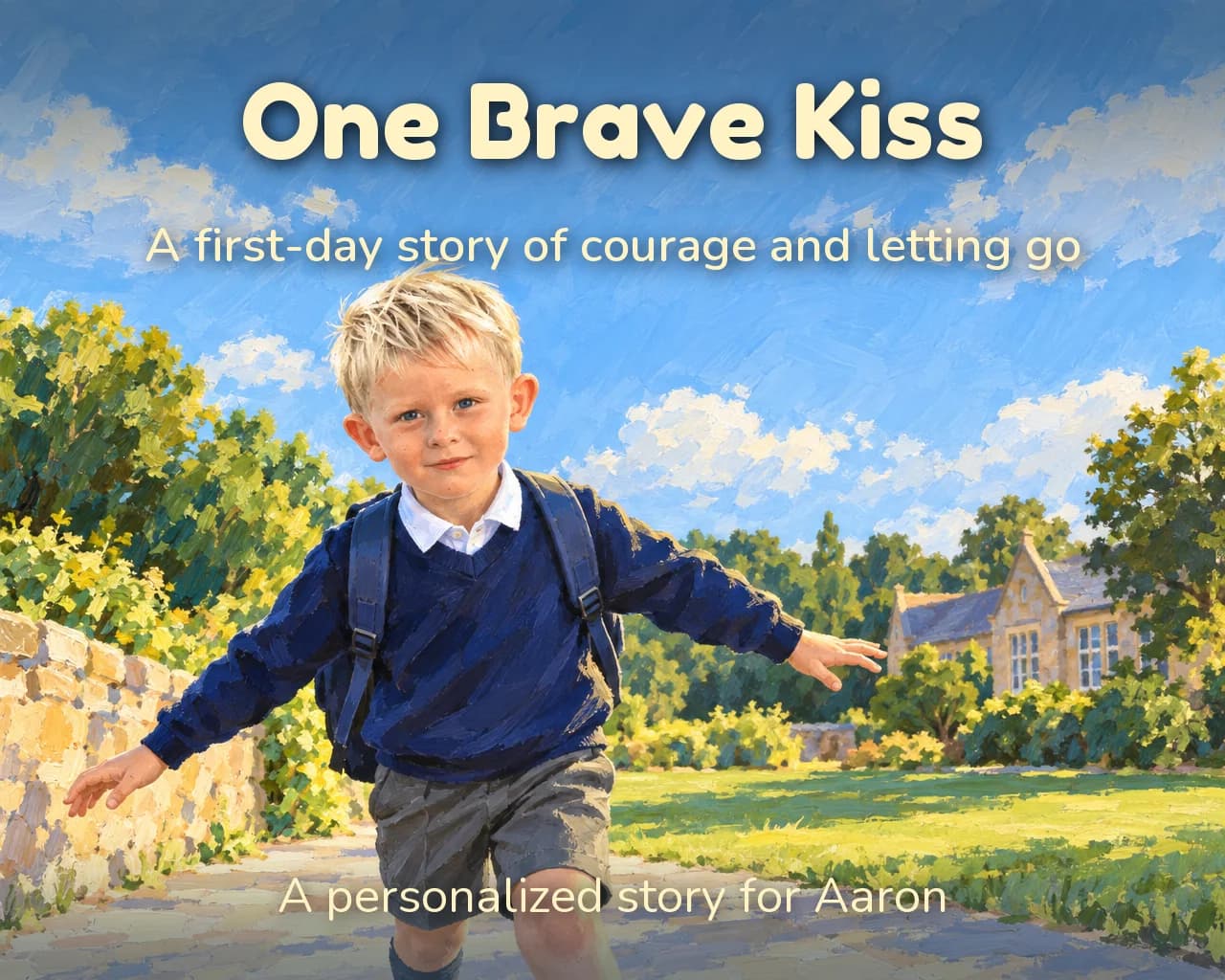
One Brave KissBold GouacheSee how Aaron’s book was made
Keeping their likeness
How we keep it looking like them
A photo is only the start. These are the steps between the upload and the last page.
- 01
The photo is checked
An automated check looks for one clear, visible face, a child, and enough quality to draw from. Location and device details are removed from the photo.
- 02
Your child becomes a character
From the photo we write down how they look: face, hair and features. That description is fixed once, then reused for every page, so the book does not reinvent them as it goes.
- 03
You meet them before you confirm
We draw your child in the art style you chose, so you can see the character before the finished pages are made.
- 04
Every page is checked against the photo
Each illustrated page is compared with your photo and the character portrait. If the face has drifted, or someone you added is missing, the page is drawn again, within a limit set for each book.
No process can promise a perfect likeness on every page. Each paid book includes five illustration touch-ups for the pages that need another go.
Photo privacy
What happens to your child’s photo
The short version, with the full detail in our privacy policy.
Your child’s photo stays private
Read our privacy policy →Not used for our AI training
We use your uploaded photos to make the book, not to train our own models. Details
Private account storage
Photos and books are stored privately. Access is checked against your signed-in account. Details
Automated checks
Photo checks are automated, and location metadata is removed. Limited support or service access may still be needed. Details
Deletion controls
Delete a book or request account deletion. Print orders and required records can affect timing. Details
To make the book, the photo and story details are sent to the AI services that analyse it and draw the pictures. They are named in the privacy policy, and their own terms also apply.
Before you start
Questions about the photo
What kind of photo works best?
One clear photo where your child’s face is visible and they are the only person in it, as a JPG, PNG or HEIC. The photo check looks for one visible face, a child and enough quality to draw from, and asks for a different photo or a crop if it finds more than one person.
Will the book look exactly like my child?
We work to keep their face, hair and features the same on every page, but we cannot promise a perfect likeness on every illustration. Every paid book includes five illustration touch-ups, shared across the pages, for the ones that need another go.
Can I add family members or pets?
Yes. Your child is the star, and you can add up to three more people or pets, with a photo or a short description.
What happens to my child’s photo?
It is stored privately and access is checked against your signed-in account. To make the book, the photo and story details go to the AI services that analyse it and draw the pictures, which are listed in our privacy policy. We do not use uploaded photos in our own model-training pipeline.
Can I delete the photo?
You can delete a book or request account deletion from your account. Deletion can be delayed while a printed order is being fulfilled, and we do not promise instant deletion from provider systems or backups. The privacy policy has the details.
Can I give this as a gift without a photo?
Yes. You buy a gift code and send it to the family. A parent or guardian redeems it, adds the photo and chooses the story.
Do I see the book before I pay?
Before you confirm, you see where the story is heading and meet your child in your chosen art style, and you can ask for up to three changes. The finished pages are made once you confirm.
Start with one photo
Pick a moment from the story ideas or write your own, then see where it is heading before you confirm.
Start with their photo